
Help Topics
Last updated: Apr 28, 2026
App Management
App Library and Groups
Keep commonly used Mac apps in one place, then find them faster with search and groups.
View SetupApp Clones
App Clones and Multiple Accounts
Create app clones so work, personal, or client accounts can be used separately.
View SetupLaunchpad
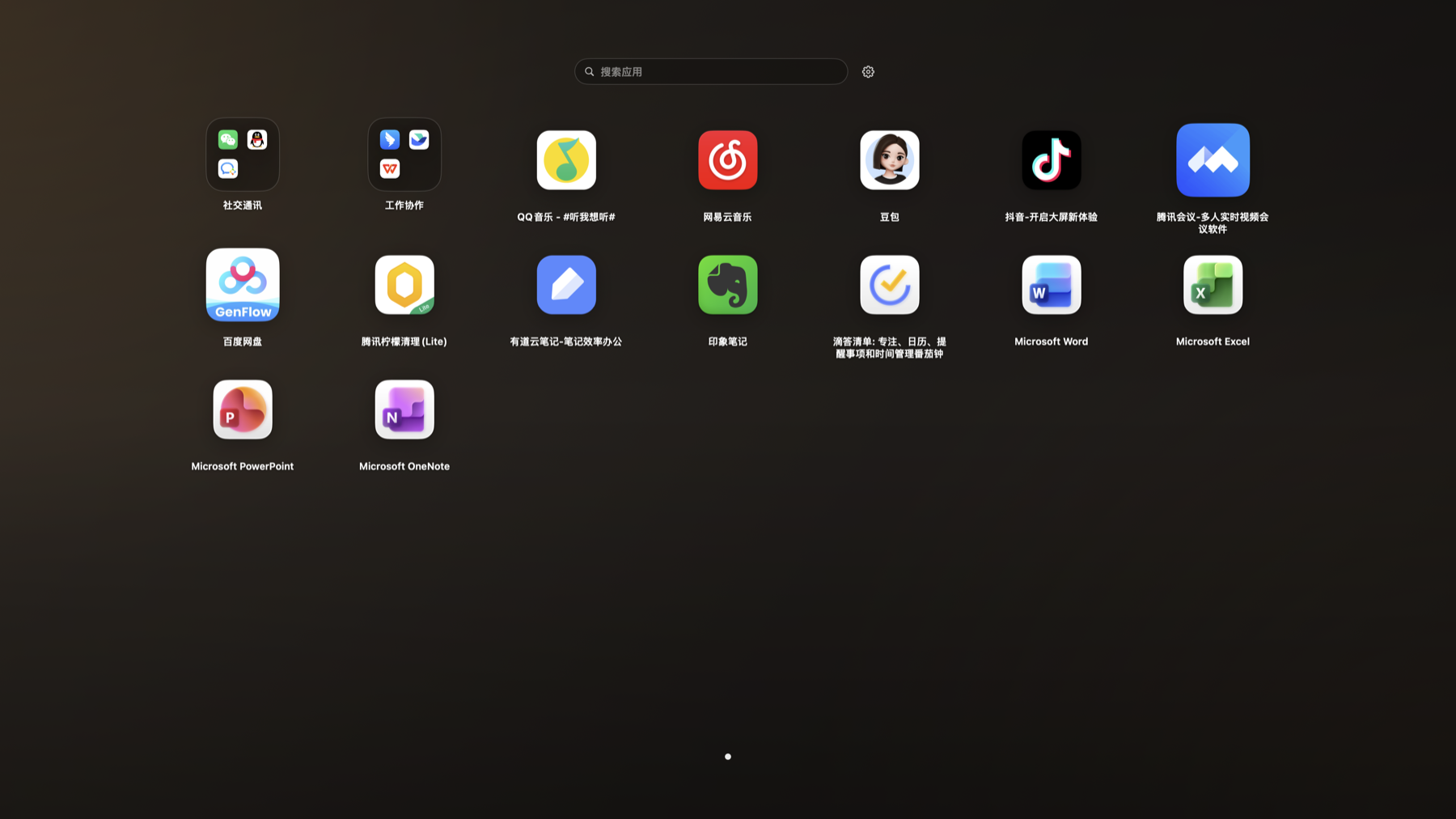
Launchpad Mode
Open apps from a full-screen grid, useful when you remember tools by icon position.
View SetupOrganization
Folders, Dragging, and Sorting
Drag apps to organize them, place similar tools in folders, or move them to easier positions.
View SetupQuick Access
Favorite Websites and Menu Bar Access
Put frequently used websites and apps within reach, then open them from the main window or menu bar.
View SetupPlugin Support
Install and Update the Plugin
After installing the plugin as prompted, App Butler can create and launch app clones more smoothly.
View SetupSubscription
Pro, Restore Purchase, and Lifetime Upgrade
Unlock more advanced features with monthly, yearly, or lifetime access, and restore purchases on a new device.
View SetupPreferences
Appearance, Language, and Startup Behavior
Adjust view mode, color, language, launch at login, background startup, and menu bar display.
View Setup