
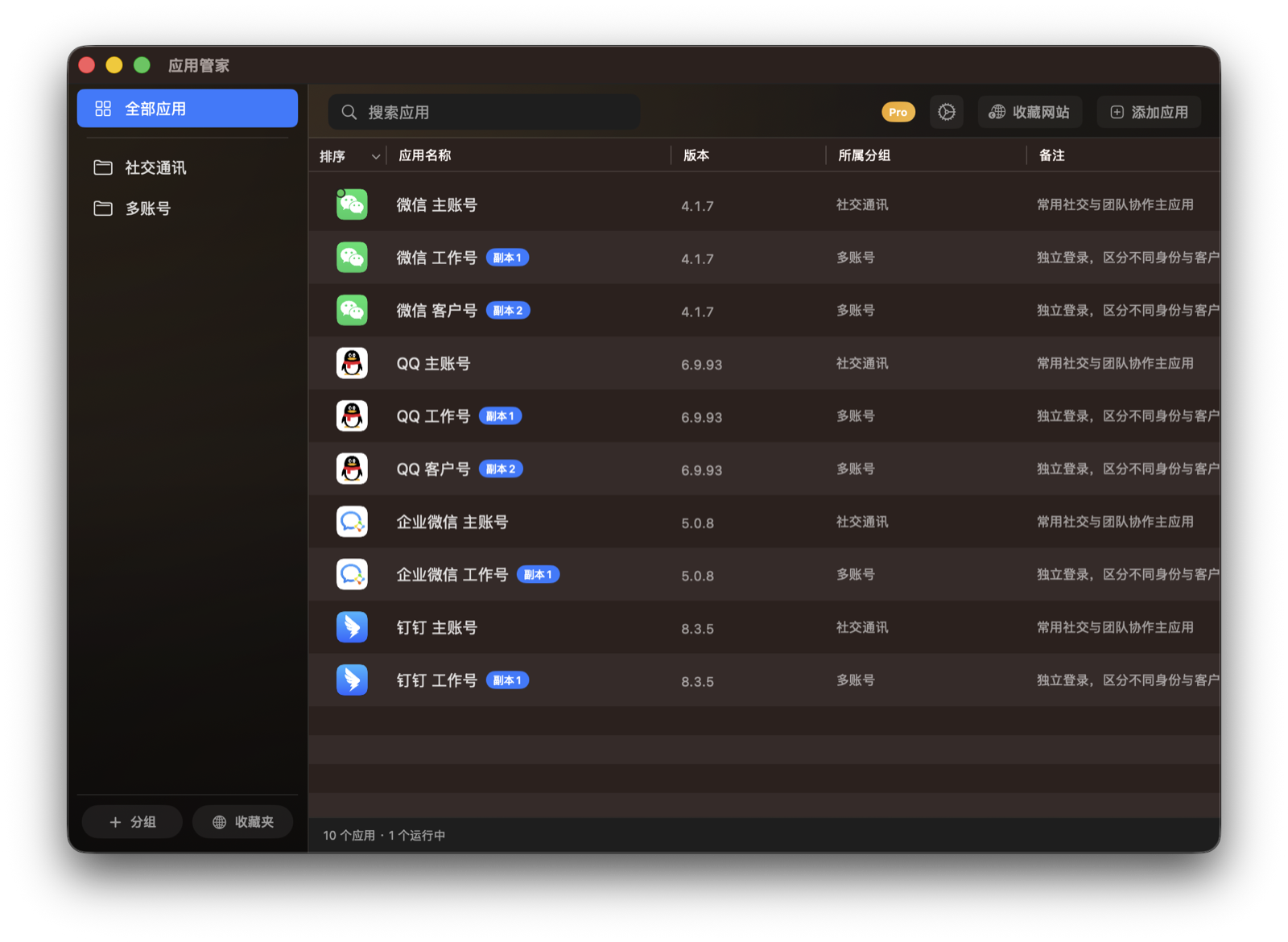
App Library and Groups
Keep commonly used Mac apps in one place, then find them faster with search and groups.
Setup
- Choose the view mode that fits you in General settings.
- Use the sidebar to view all apps, groups, and favorites.
Steps
- Open the App Butler main window.
- Use the search field at the top, or select a group in the sidebar.
- Create custom groups when you want to organize your most-used apps.
Notes
- Custom groups only change how apps appear inside App Butler. They do not move the original apps.