
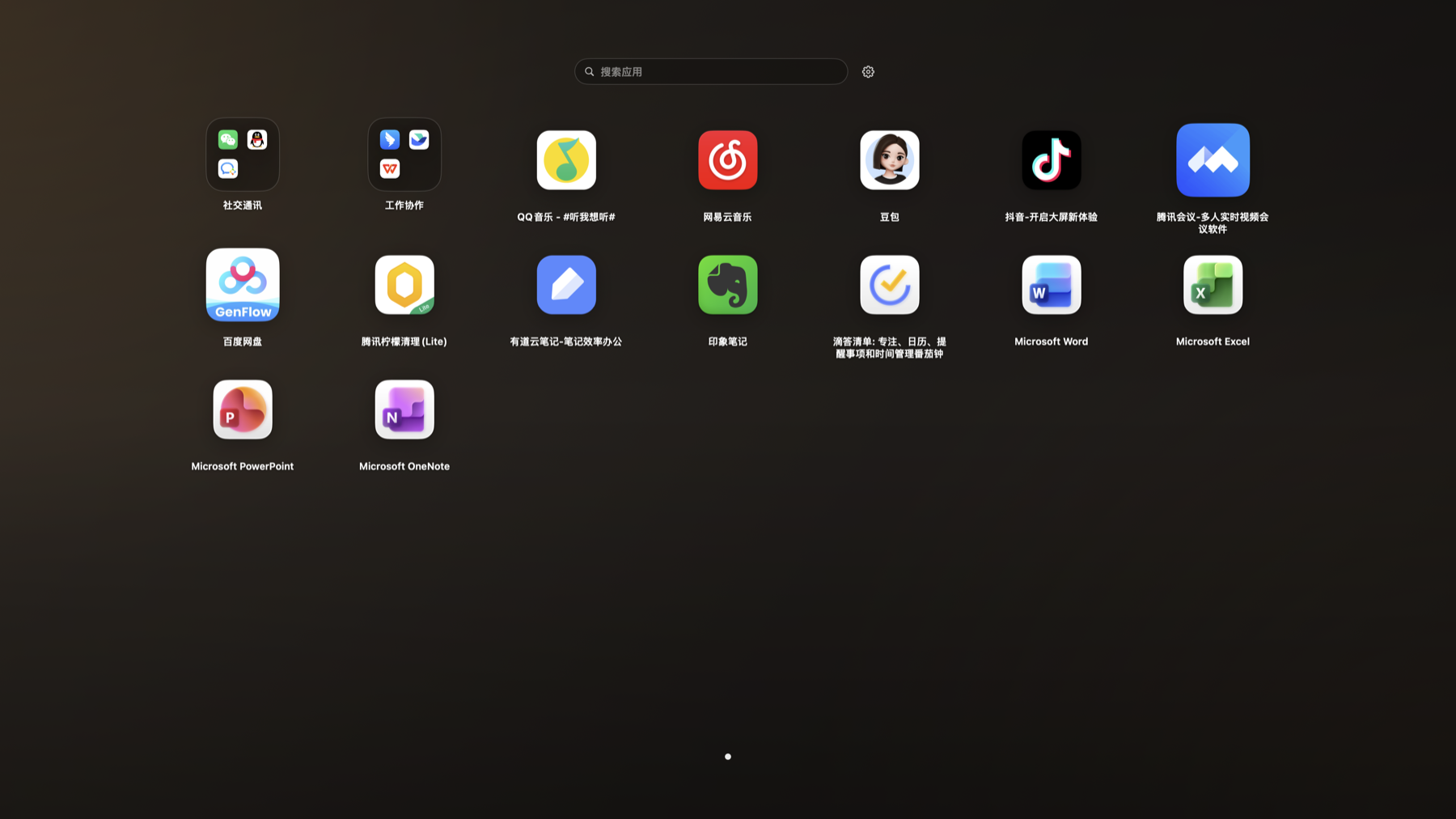
Folders, Dragging, and Sorting
Drag apps to organize them, place similar tools in folders, or move them to easier positions.
Setup
- Drag apps in Launchpad mode to adjust their positions.
- Drag one app onto another to create a folder.
Steps
- Drag an app icon in Launchpad mode.
- Drop it on another app to create a folder.
- Open the folder to add or remove apps.
Notes
- These changes only affect App Butler and do not change the macOS Launchpad.