
Install and Update the Plugin
After installing the plugin as prompted, App Butler can create and launch app clones more smoothly.
Setup
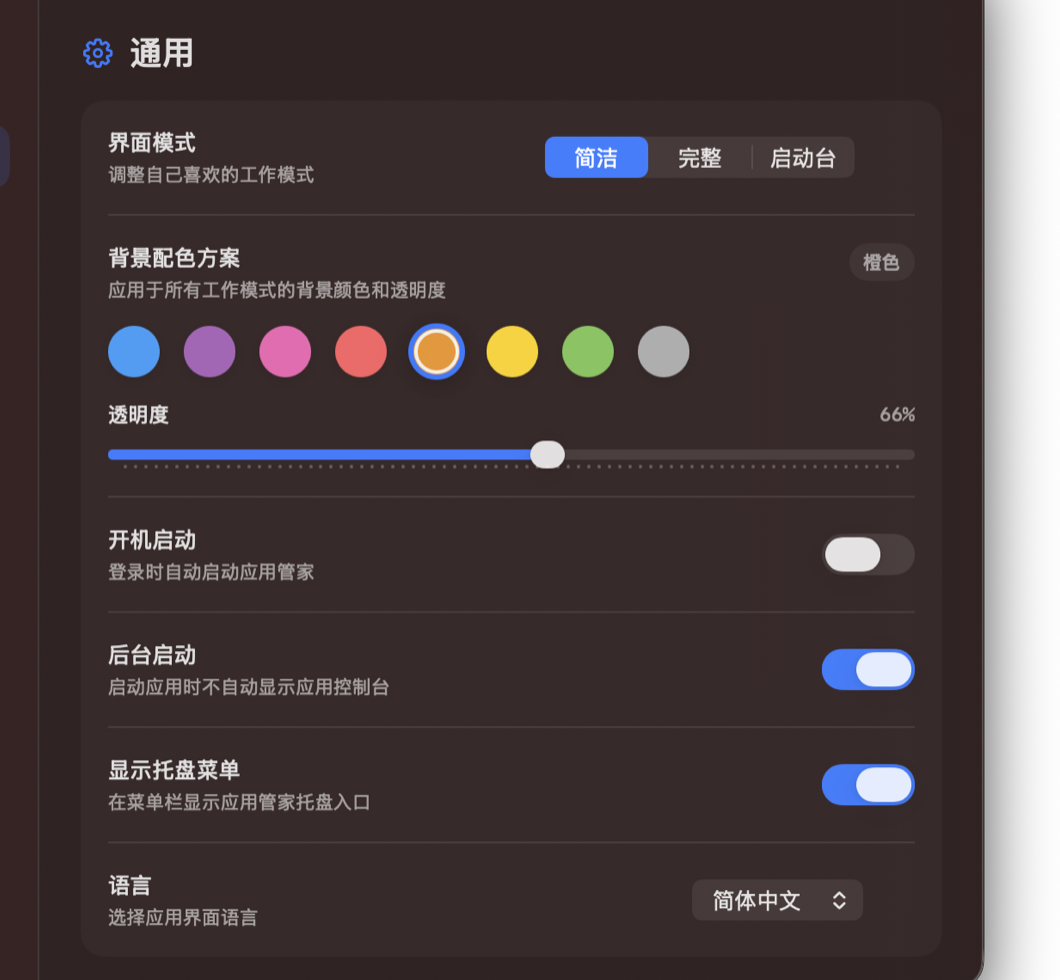
- The Settings page shows the current plugin status.
- If it says the plugin is missing or outdated, use the page button to install or update it.
Steps
- Open App Butler Settings.
- Check the plugin status, then click install, update, or reinstall.
- Follow the system prompts, then return to App Butler to continue using app clones.
Notes
- macOS may ask you to confirm permission during plugin installation. Follow the system prompts to finish.
- If it still does not work, keep a screenshot of the message so support can help.