
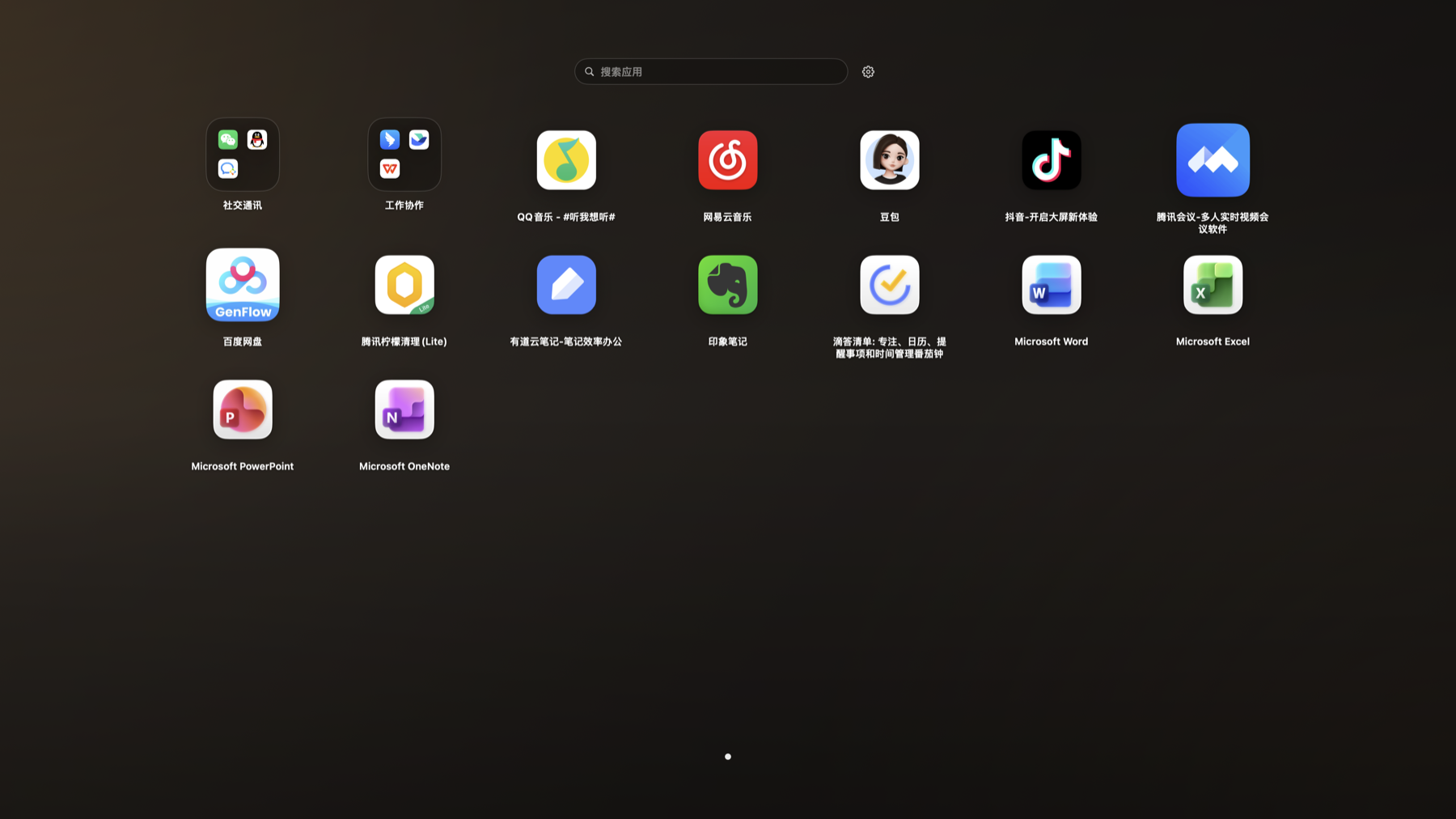
Launchpad Mode
Open apps from a full-screen grid, useful when you remember tools by icon position.
Setup
- Switch the view mode to Launchpad in General settings.
- Use the search field at the top to filter apps quickly, or the gear button to return to Settings.
Steps
- Open Settings and switch the view mode to Launchpad.
- Click an app icon in the grid to launch it.
- When you have many apps, use pages or search to find one quickly.
Notes
- Launchpad mode remembers the order you set.