
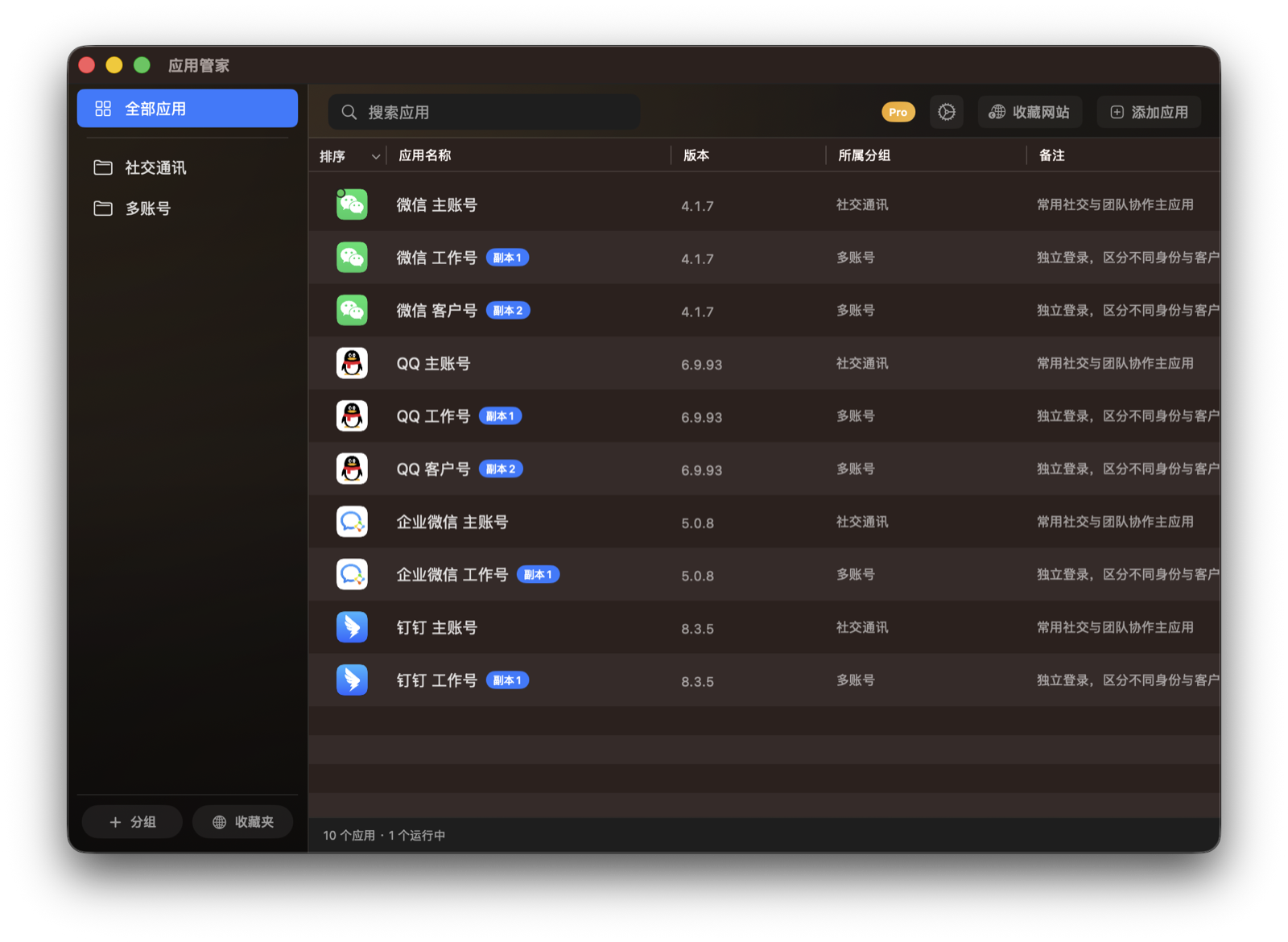
Favorite Websites and Menu Bar Access
Put frequently used websites and apps within reach, then open them from the main window or menu bar.
Setup
- Add favorite websites from the top-right area of the main window.
- Enable menu bar access in Settings to open items from the macOS menu bar.
Steps
- Click Favorite Website and enter the website name and address.
- Open, rename, or delete websites from Favorites.
- Enable menu bar access in Settings when you want faster access.
Notes
- Favorite websites are shortcuts inside App Butler and do not modify browser bookmarks.