
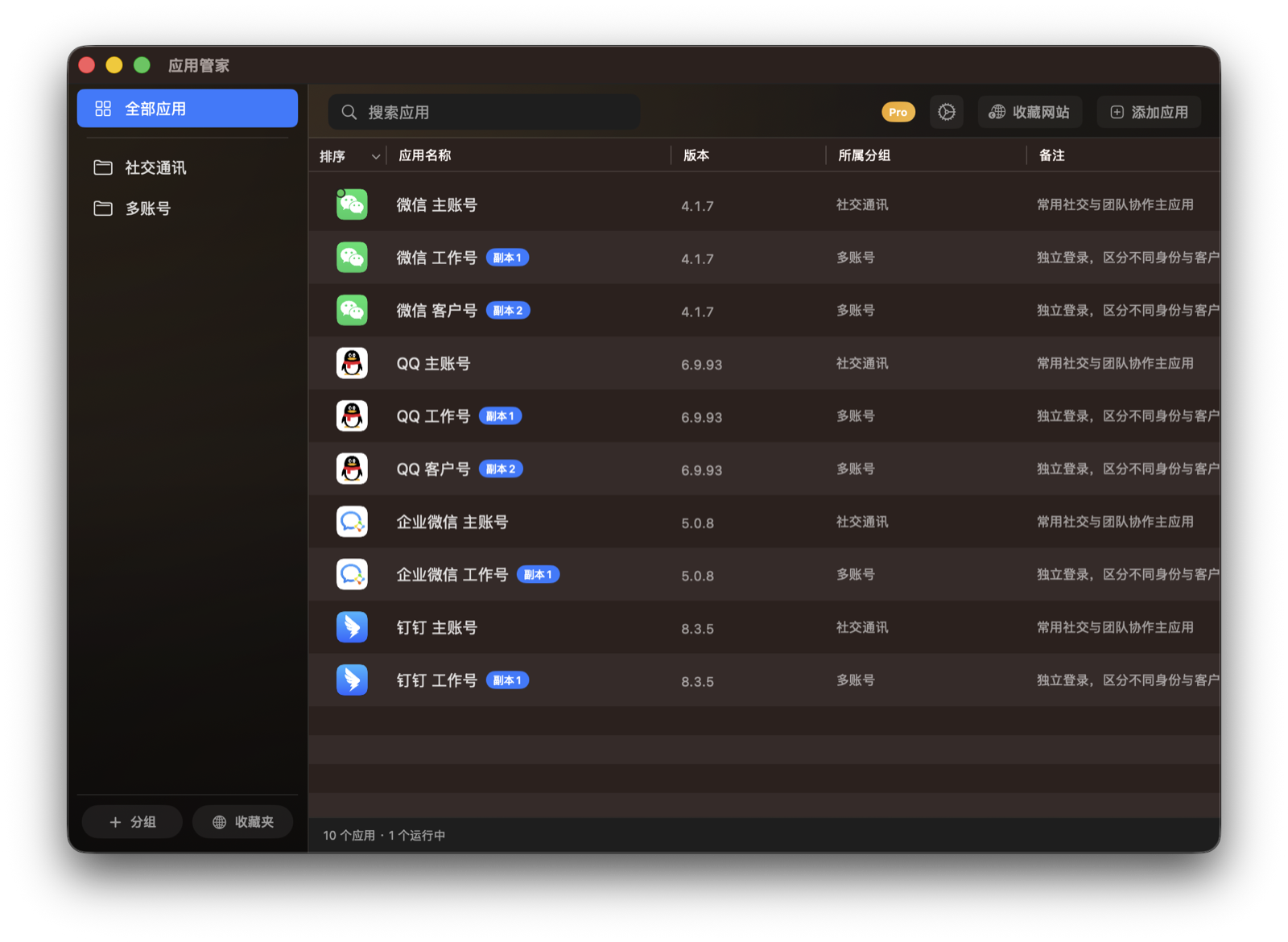
App Clones and Multiple Accounts
Create app clones so work, personal, or client accounts can be used separately.
Setup
- Before using app clones for the first time, install or update the plugin as prompted in Settings.
- Pro unlocks the fuller app-clone experience.
Steps
- Find the original app in the app list.
- Create a clone from the app action menu.
- After the clone is created, open it from the App Clones group.
- Add the clone to a group or Launchpad mode when needed.
Notes
- Some apps may not be suitable for cloning. The actual result depends on the app itself.
- Before deleting a clone, make sure its account and local data are no longer needed.